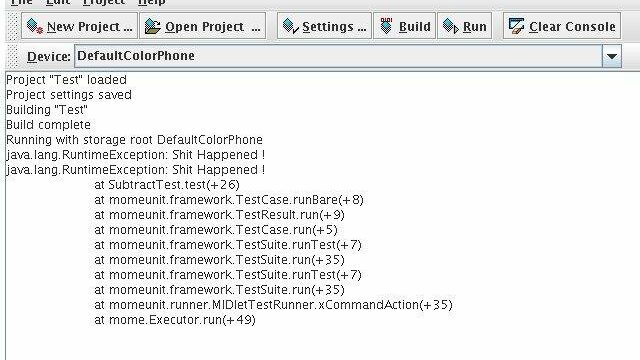
MoMEUnit
Unit testing framework for J2ME applications

Discover. Evaluate. Test.
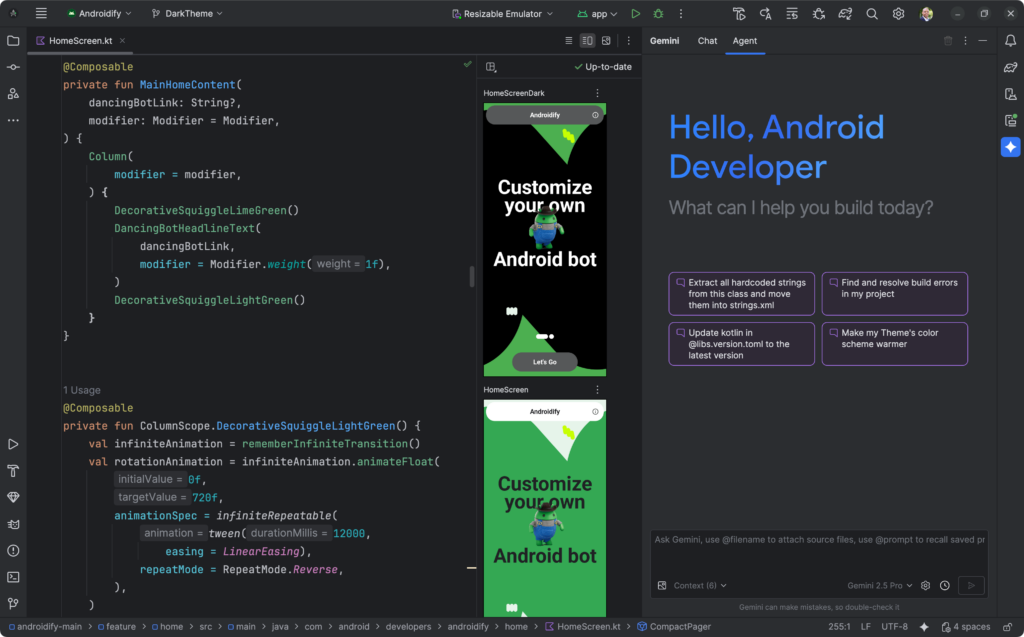
Official Android IDE with built-in tools to create and run Android tests
Android Studio is the official integrated development environment for Android applications, published by Google. It includes features to create, run and view the results of tests: tests can be created for specific classes or methods from the source code, run on local JVMs, devices or emulators, and their results compared across devices in the Test Matrix window.
Testing can also be run from the command line through Gradle or the Android Debug Bridge (adb), for example in continuous integration. Related tools include Jetpack Compose testing APIs, Espresso and the Espresso Test Recorder for UI tests, UI Automator for cross-app interactions, Monkey for stress testing with random user events, code coverage reports and Gradle-managed devices.
There are no reviews yet.
Unit testing framework for J2ME applications
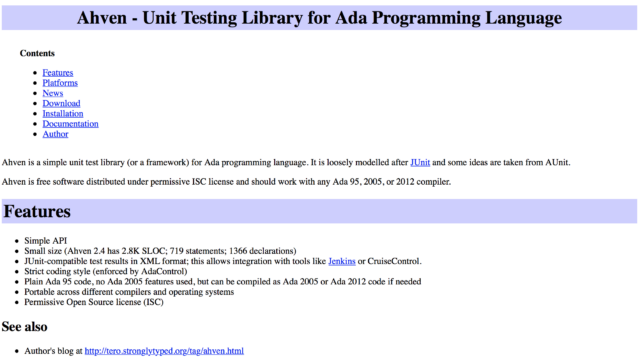
Unit testing library for Ada
Portable unit testing framework for C++ (no longer maintained)
Mock object library for JavaScript
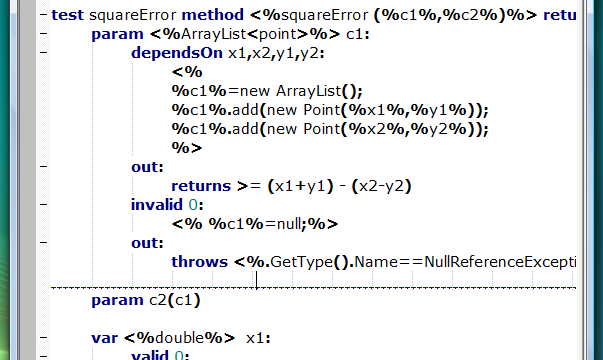
Structured test description language for .NET
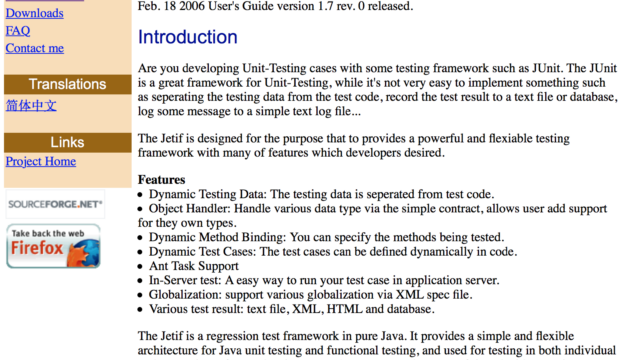
Java regression and unit testing framework (no longer maintained)