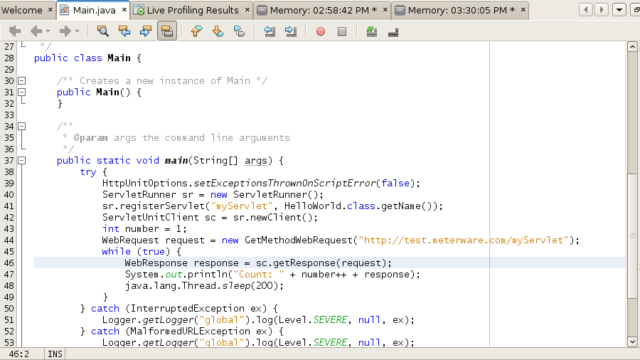
HttpUnit
Java library for testing web applications without a browser

Discover. Evaluate. Test.
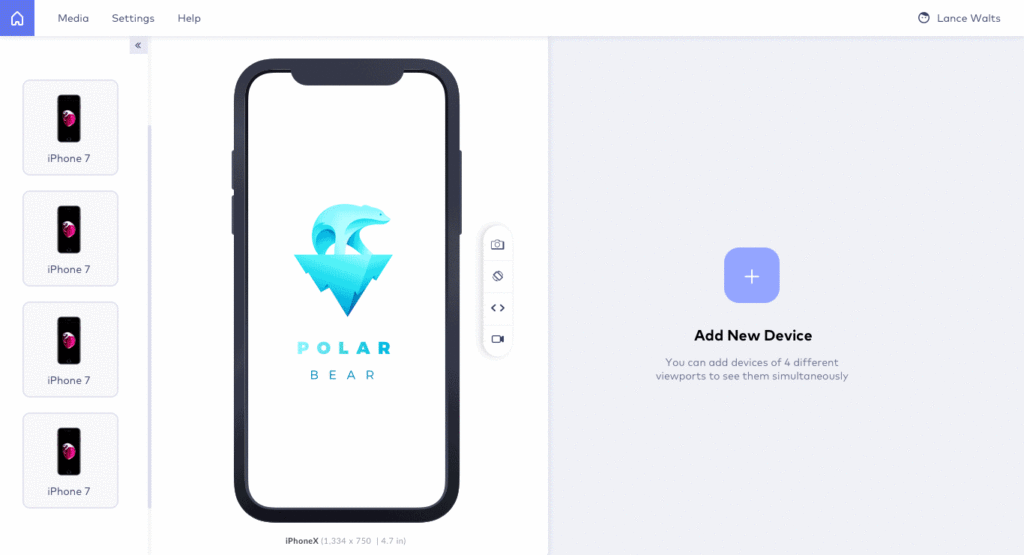
Browser for testing responsive websites on many device viewports
LT Browser is a desktop browser for building, testing and debugging responsive websites. It shows a page side by side on several mobile, tablet and desktop viewports, with developer tools for each device.
It is published by TestMu AI (formerly LambdaTest), runs on Windows, macOS and Linux, and is free to download.

Java library for testing web applications without a browser
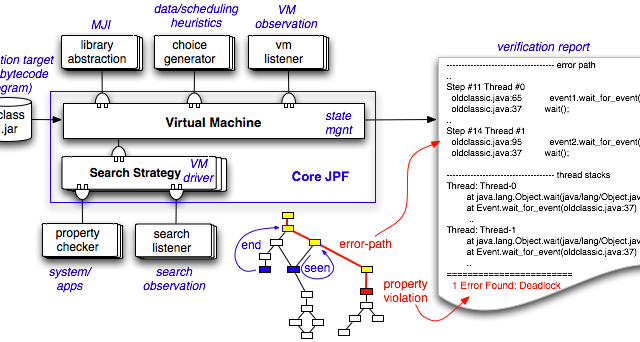
Model checker and execution environment for verifying Java bytecode

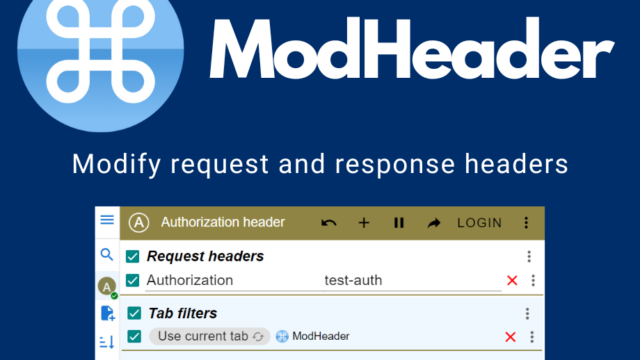
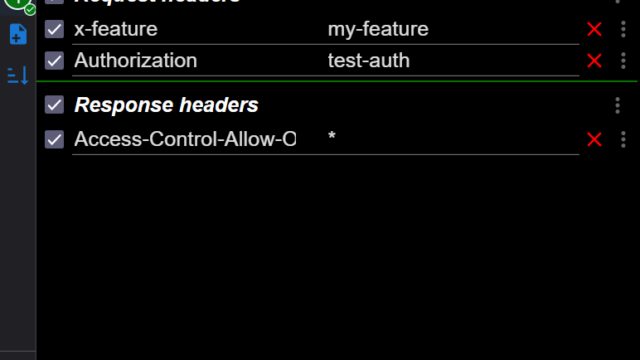
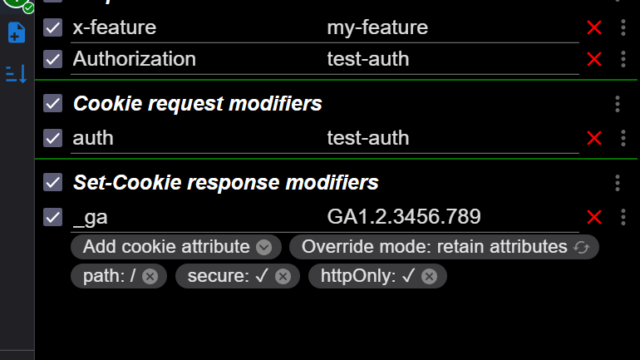
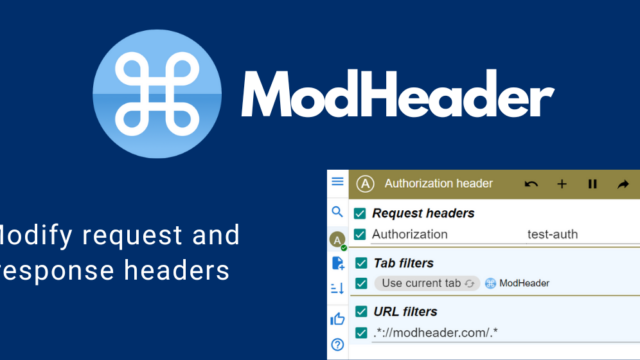
Browser extension for modifying HTTP request and response headers
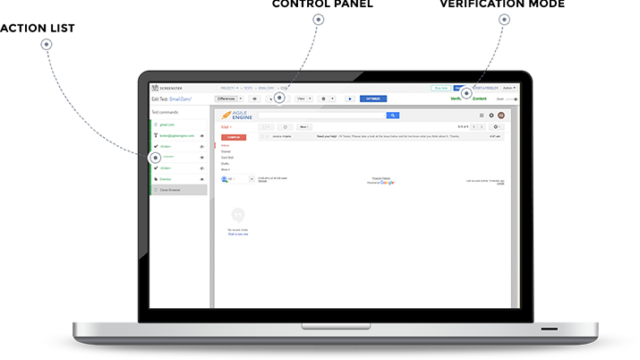
Visual regression testing for web UIs (cloud discontinued)

JavaScript library to control Chrome and Firefox

Automated generation of regression unit tests for Java
Pepa D.
REVIEW on “LT Browser: Test Website For Responsiveness Easily” on 2022-05-31 12:25:53ProsTesting on various multiple networks.
Takes a screenshot of the bug and sends it to the developer team.
Clean and simple interface.ConsCross browser testing is not available.
Jordon Peterson
REVIEW on “LT Browser: Test Website For Responsiveness Easily” on 2022-05-19 17:45:08ProsTo test your website on multiple devices at the same time, it uses scroll-sync.
Shares the performance statistics of your website with your colleagues and team.
It employs network simulation to test webpages on low-latency networks.ConsWould be appreciated if performance was obtained.
Alick
REVIEW on “LT Browser: Test Website For Responsiveness Easily” on 2021-01-18 07:47:00Pros> Latest devices resolution
> Scroll sync with two devices
> Intuitive interface
> Integration with Jira
> Instant screenshot and bug reporting flow
> Testing on various networks
Cons> Cross browser testing is not possible
> Missing the test analytics
danbovey
REVIEW on “LT Browser: Test Website For Responsiveness Easily” on 2020-09-24 18:48:26Pros LT Browser helps in making responsive testing process faster. It’s fairly easy to start using and you get the hang of it pretty fast. So not much of a learning curve involved and anyone from the team can start performing responsive testing from day one. Winning points are for primarily it’s UI is self explanatory and nice, switching devices is very easy with a good comparison view.
Inbuilt dev tools can be really helpful as you can make changes on the go. However you can also take screenshots or video recordings and share it across with the team.
ConsRight now we can only see two devices side by side. Would be great if we can add multiple devices side by side.
zahrakhaan
REVIEW on “LT Browser: Test Website For Responsiveness Easily” on 2020-07-31 01:59:03ProsLT browser has helped me save a lot of time on debugging my website for responsiveness. The convenience to view 2 devices emulated side by side with the option to debug using Developer tools has worked like a charm for me. Plus the integration to JIRA has been very productive for my team.