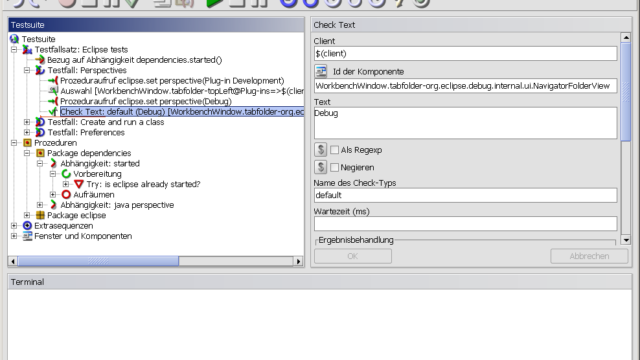
QF-Test
UI test automation for Java, web, Windows and mobile apps

Discover. Evaluate. Test.
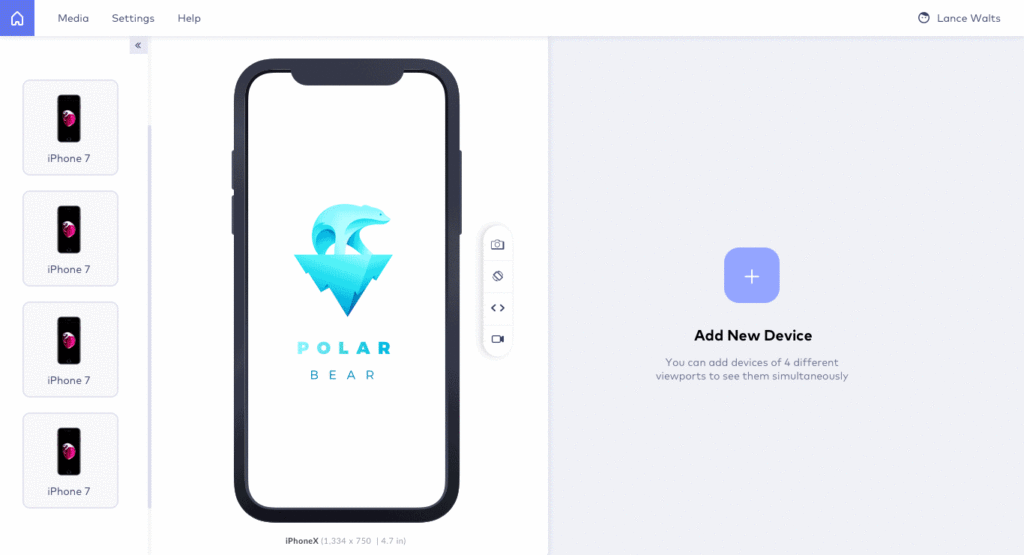
Browser for testing responsive websites on many device viewports
LT Browser is a desktop browser for building, testing and debugging responsive websites. It shows a page side by side on several mobile, tablet and desktop viewports, with developer tools for each device.
It is published by TestMu AI (formerly LambdaTest), runs on Windows, macOS and Linux, and is free to download.

UI test automation for Java, web, Windows and mobile apps
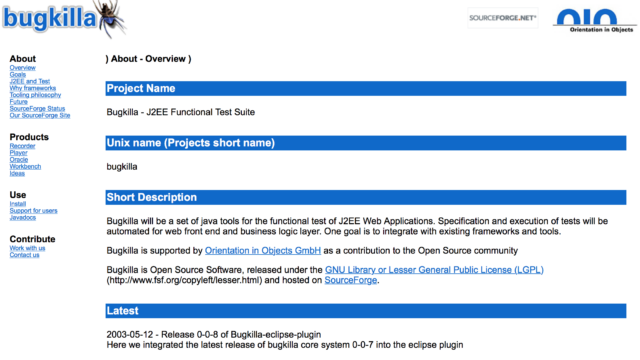
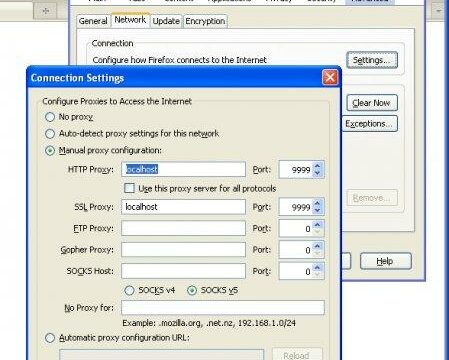
Java tools for functional testing of J2EE web applications
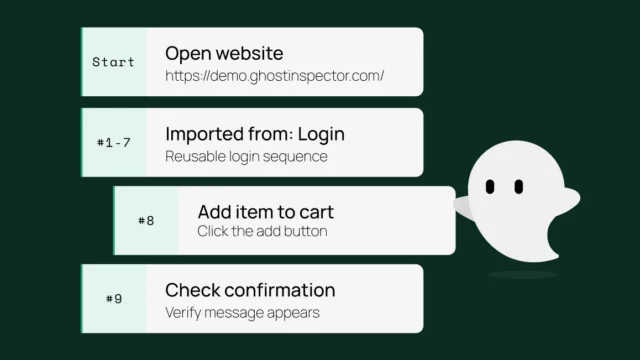
Codeless automated browser testing and monitoring service

Cloud-based codeless test automation and test management platform
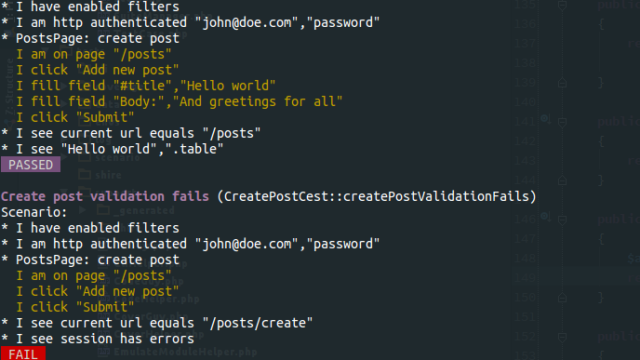
Full-stack testing framework for PHP
No-code test automation for web, desktop, mobile and SAP
Artyom Korolev
REVIEW on “LT Browser: Test Website For Responsiveness Easily” on 2022-07-20 06:01:21ProsOne such product that my team eagerly anticipates testing for responsiveness is the LT browser. The team has discovered that it is a straightforward process to test on the newest mobile devices utilizing the LT browser. We may start testing our web pages on local systems by simply adding the URL.
Anyone on the team can get started with responsive testing since it is so simple to use.
The interface is very easy to use.
You can record the bug and share it with your team so that you can work together on it.
ConsDifficult to test on different browsers.
Jordan Lowe
REVIEW on “LT Browser: Test Website For Responsiveness Easily” on 2022-06-03 16:09:30ProsRuns responsive tests on more than 40 pre-installed devices.
The grid view of comparisons provides you a clearer view.
Has the most up-to-date mobile devices, tablets, and desktop computers.
ConsCannot download performance report